

Part 09
API access
Keys for calling the same data from your own systems.
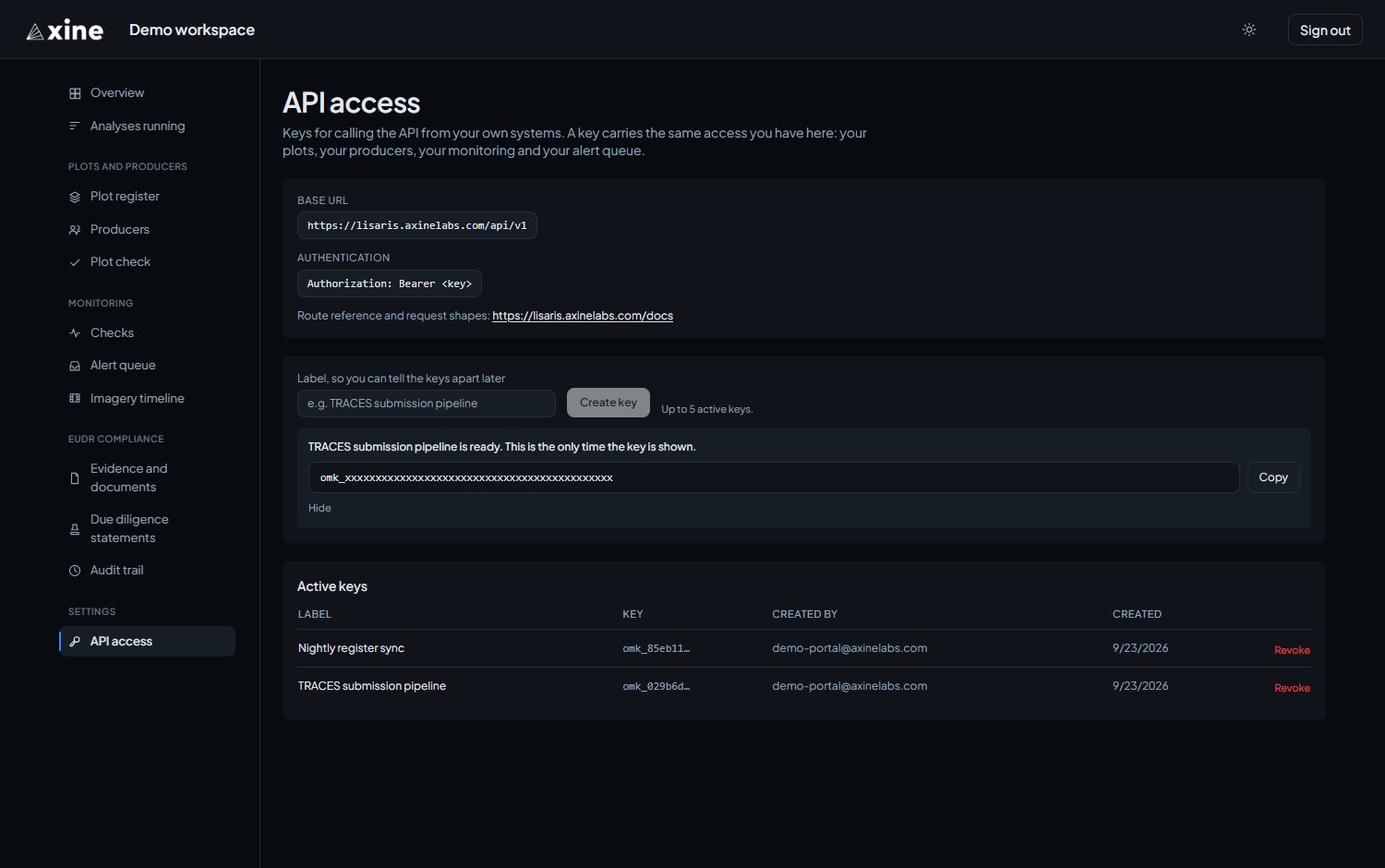
A key lets your own systems call the same data you see in the portal. It carries the same access you have here: your plots, producers, monitoring, alert queue and statements.
Creating a key
Settings › API access
- Give the key a label, so you can tell your keys apart later.
- Press Create key.
- Copy the key at once with Copy. The full key is shown only on that screen.
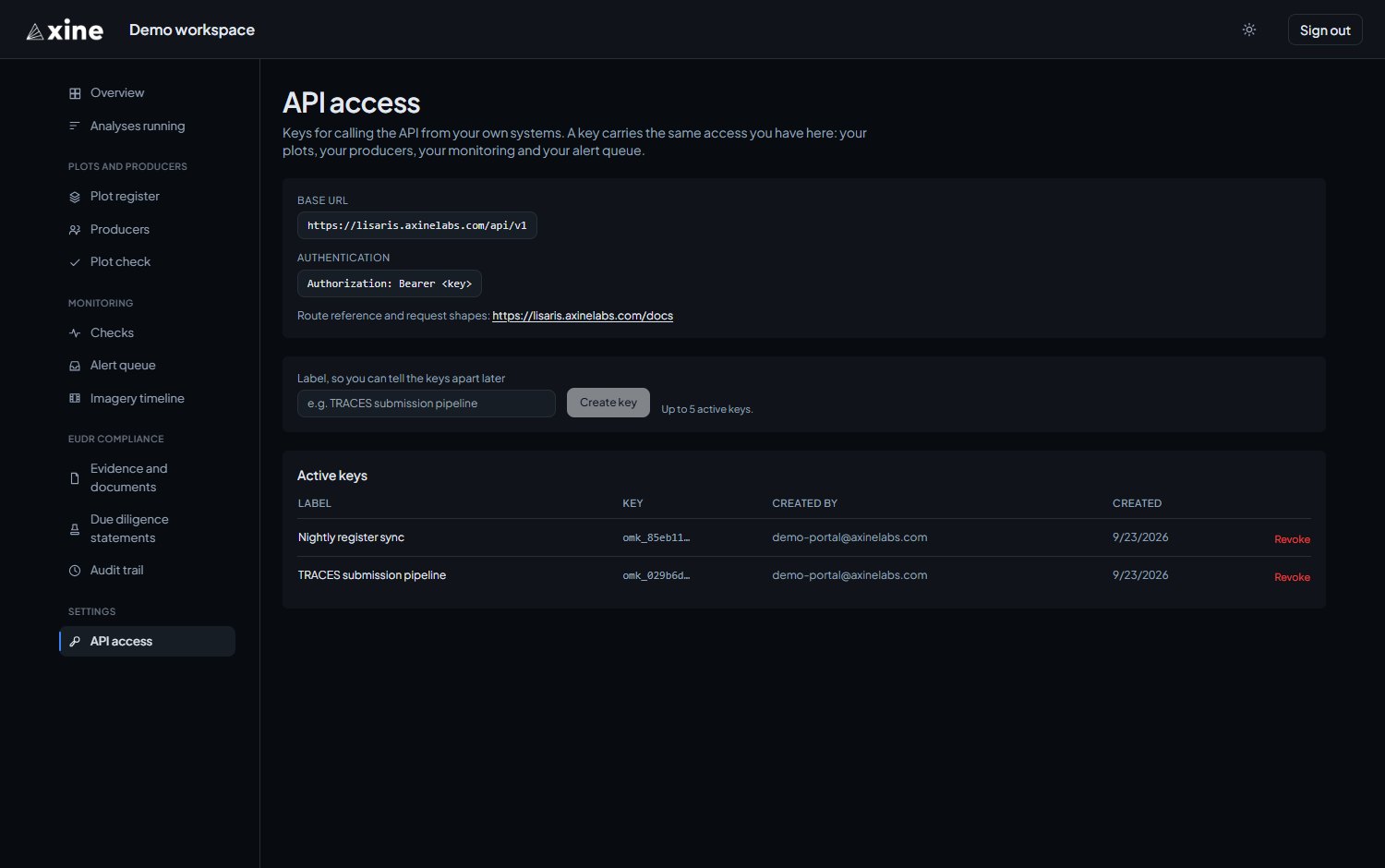
You can hold up to five active keys. Active keys lists them with their label, the start of the key, who created each one and when.
Revoking a key
Revoke stops a key on its next request, and there is no undo. Anything still using the key stops working, so create its replacement first.
Sending requests
Send the key on every request:
Authorization: Bearer <key>
to the base URL:
https://lisaris.axinelabs.com/api/v1
Both are printed at the top of the API access page, with a link to the API reference.
What only the API does
The API reference, Axine EUDR evidence API, at
lisaris.axinelabs.com/docs, covers the routes, the evidence
object, the verdicts and reason codes. It also covers the operations the
portal leaves to the API:
- queuing a named subset of plots for evidence, rather than every filable plot;
- reading a plot a second time over an unchanged boundary;
- attaching a producer to a plot after import;
- editing a due diligence statement.