
Part 10
Getting imagery
What to do when the free public archives are not enough over your ground.
Most analysis runs on free public satellites and needs nothing bought. Two screens exist for when they are not enough, and they do different things.
Imagery requests
Imagery requests
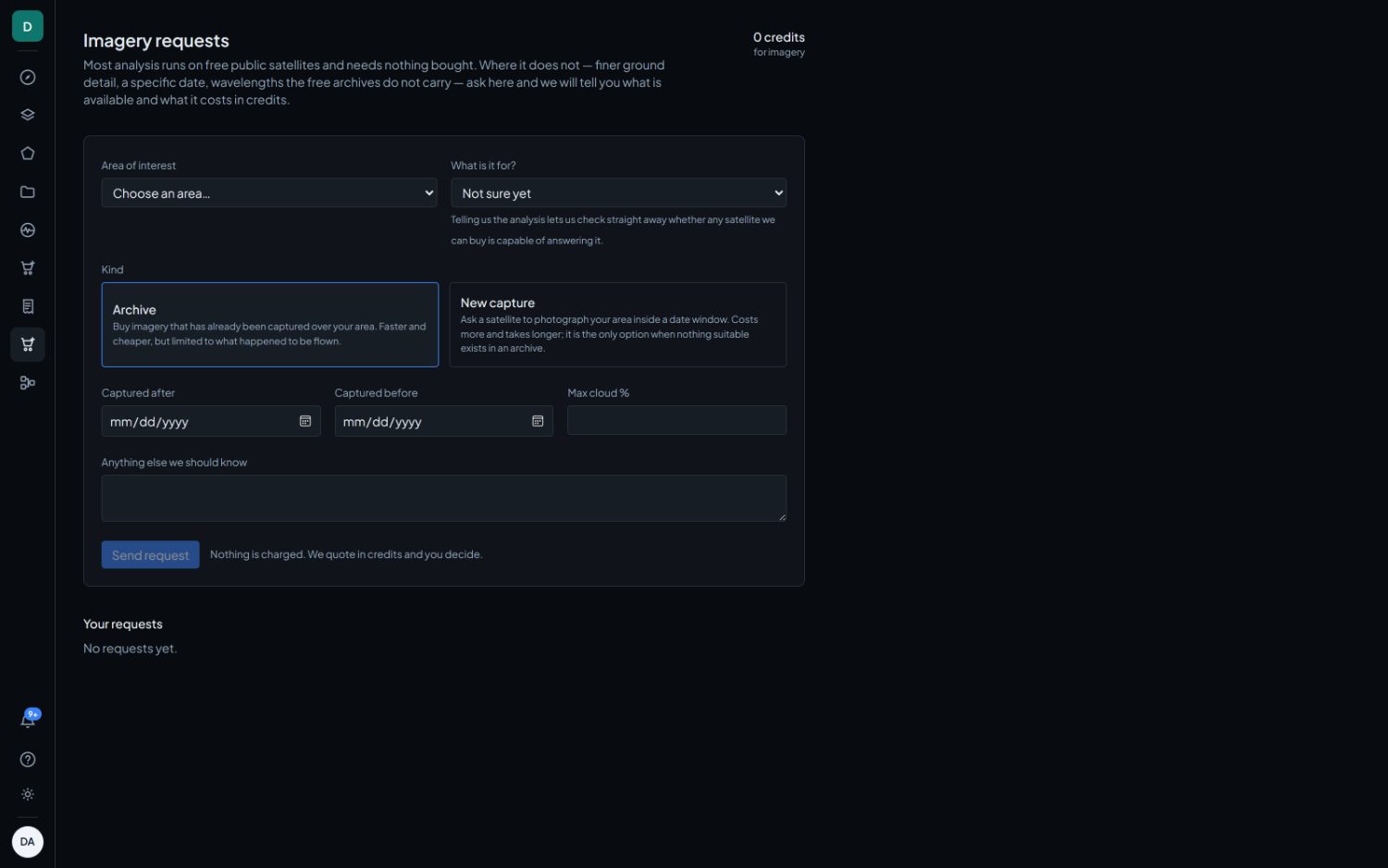
Use this to ask us to go and find pixels. It is the right screen when you need finer ground detail, a specific date, or wavelengths the free archives do not carry, and you do not already know what exists over your ground.
- Area of interest and What do you want to find out. Naming the goal lets us check straight away whether anything we can buy is capable of answering it, which is a question no price alone can settle. If none of the goals fits, say what you need in the notes.
- Kind. Archive buys imagery already captured over your area: faster and cheaper, but limited to what happened to be flown. New capture asks a satellite to photograph your area inside a date window: more expensive and slower, and the only option when nothing suitable exists.
- Captured after, Captured before and Max cloud % bound the search.
Nothing is charged at this stage. We quote in credits and you decide.
The Order Desk
Order Desk
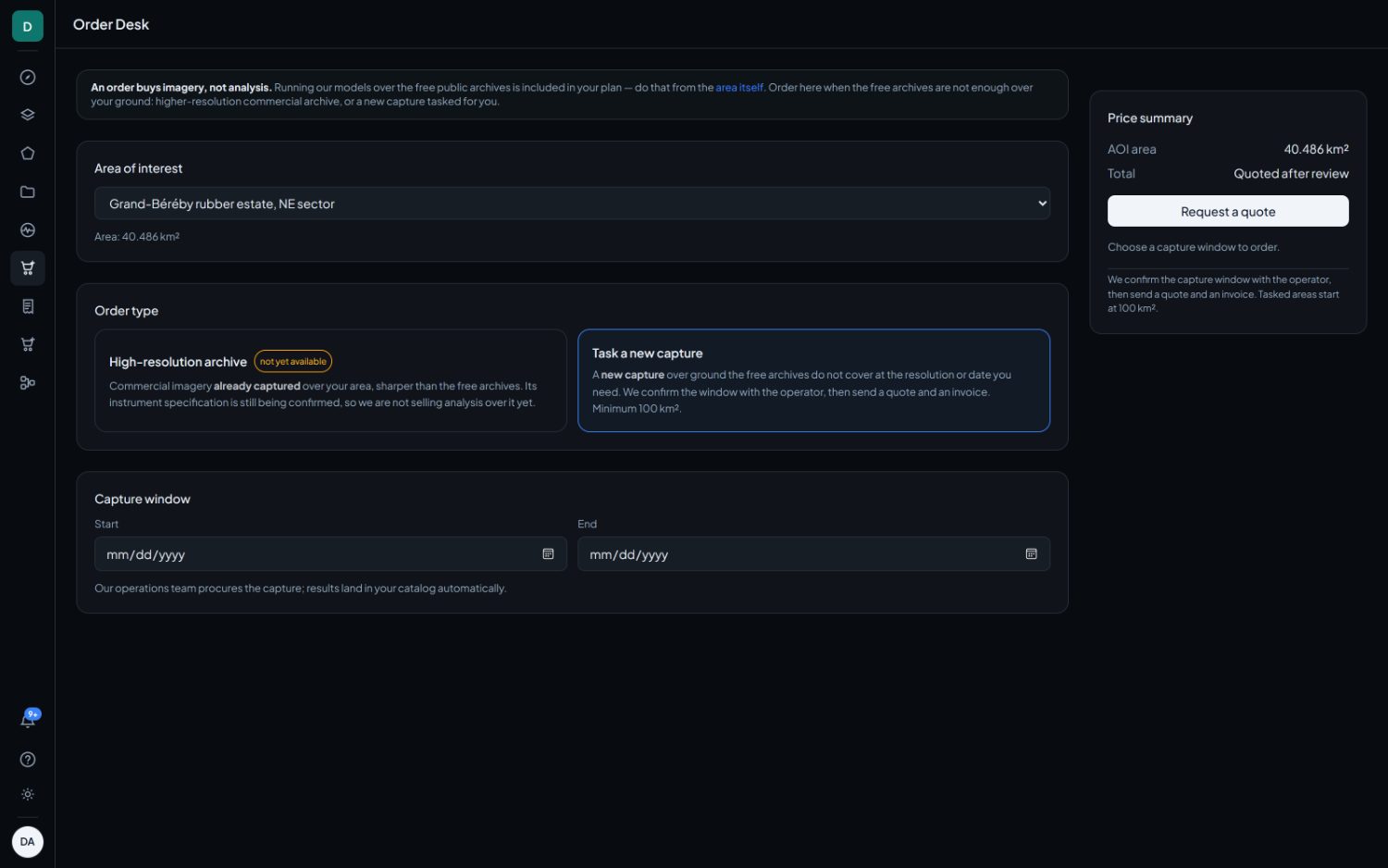
Use this to place an order directly, where we already hold a supplier account. Both order types buy imagery and neither buys analysis. Running our models over the free public archives is included in your plan, and is done from the area itself.
| Order type | What it buys |
|---|---|
| High-resolution archive | Commercial imagery already captured over your area, sharper than the free archives. Pick the scenes from the search. Its instrument specification is still being confirmed, so analysis over it is not being sold yet, and the card says so. |
| Task a new capture | A new capture over ground the free archives do not cover at the resolution or date you need. You choose a capture window, we confirm it with the operator, then we send a quote and an invoice. Minimum 100 km². |
A price summary sits beside the form and updates as you choose, so the figure is visible before the button rather than after the order exists.
Image orders require a verified workspace. If verification is outstanding the desk says so up front rather than at checkout.
A quote and an order are separate acts, and the order carries the figure you were shown. If the supplier has re-priced in between, the order is refused rather than placed at the new price. Nobody should meet a price change for the first time on an invoice.
Orders
Orders
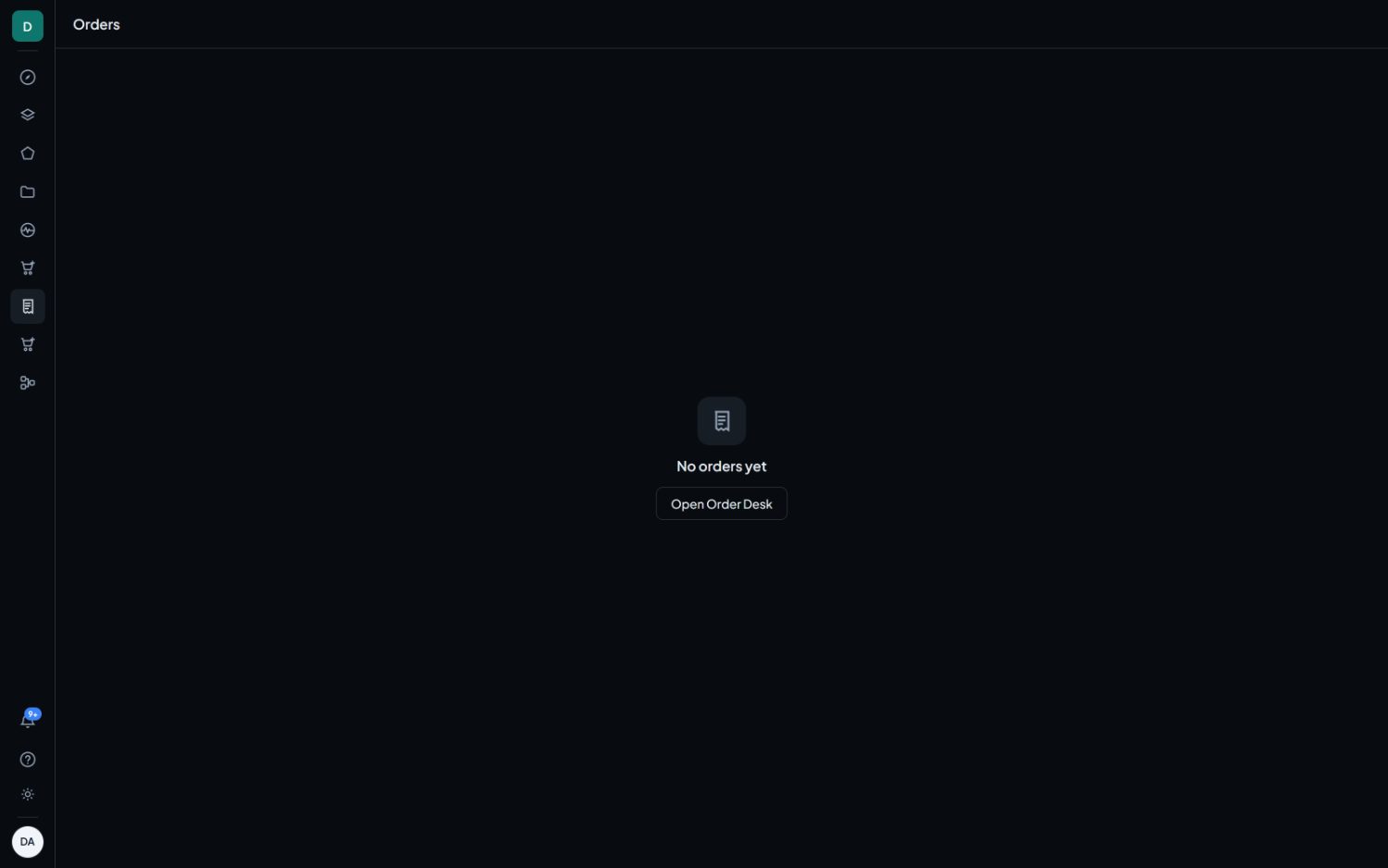
Everything you have ordered: kind, area, amount, status and date. Opening one shows its full history. Orders placed under retired pricing still render; only the placing of new ones has changed.