

Part 09
Workflows
The same chain of steps, laid out once and run again whenever you want.
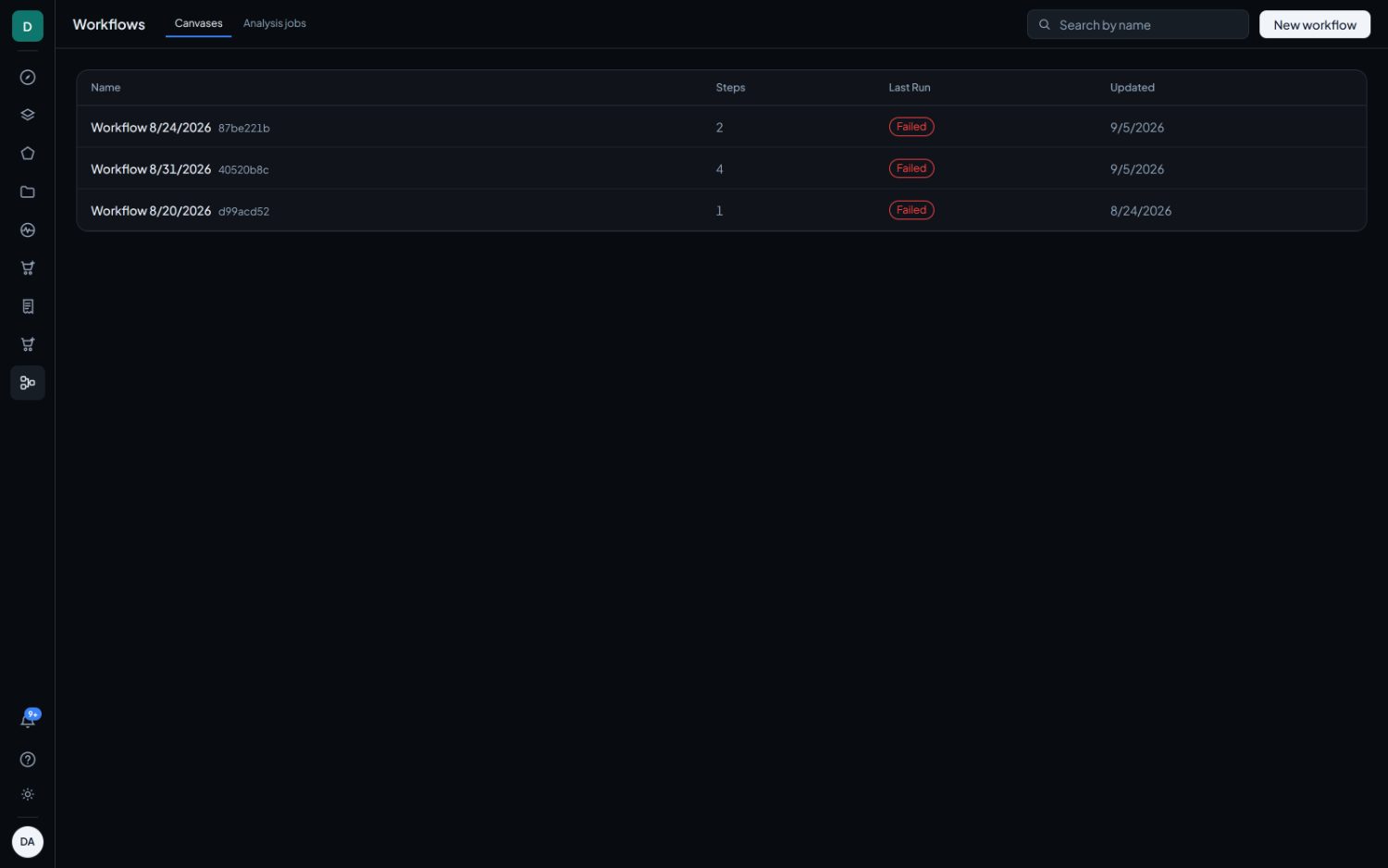
A one-off analysis answers one question and stops. A canvas keeps the question. It saves itself as you work, anyone in the workspace can open and run it, and a second run recomputes only the parts you changed.
The four kinds of step
| Step | In | Out | Settings |
|---|---|---|---|
| Source | nothing | Scene bands | An area of interest and one scene. Every chain starts here, and that one scene is what the rest of the canvas reads. |
| Index | Scene bands | Raster | One index from the shared catalogue. Deterministic arithmetic, so no accuracy figure applies. |
| Threshold | Raster | Mask | A test, being greater than, greater or equal, less than, less or equal, or between, and its value or values. Pixels that fail drop out, and pixels with no data stay out of the count. |
| Export | Raster or mask | nothing | A format, either GeoTIFF or statistics CSV. Publishes the incoming layer as a download once the run finishes. |
A canvas may hold up to sixty steps.
Wiring
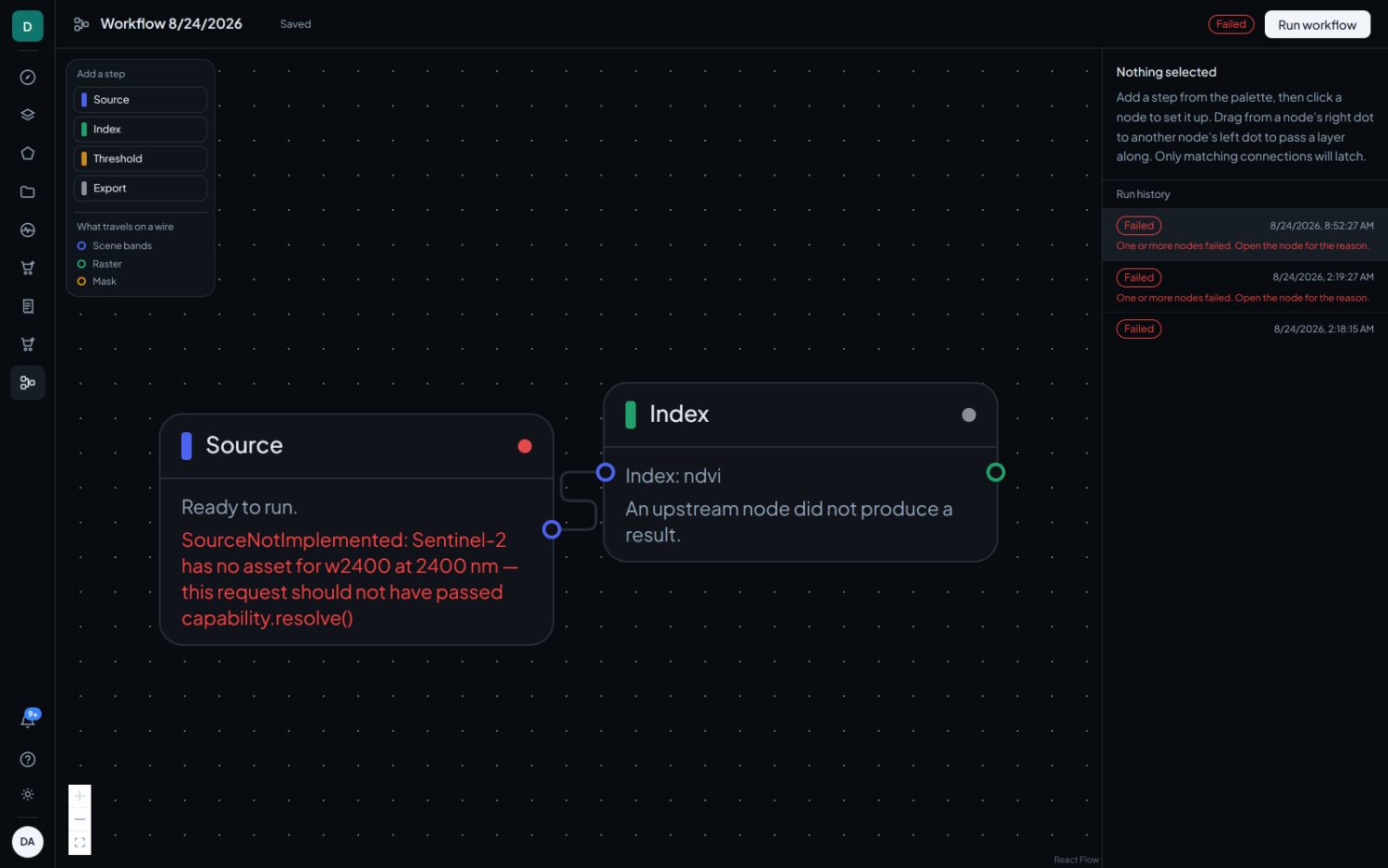
The dots on a node are its ports, and the colour says what travels on the wire: scene bands, a raster, or a mask. Drag from a dot on the right of one node to a dot on the left of another.
A mismatched wire will not latch, and the input names the type it accepts when it refuses one. That is the whole type system: three payloads, and a connection is either legal or it does not exist.
The inspector
Click any node to set it up in the panel on the right. An Index node reads the bands its source sent down the wire, so it already knows which satellite it is on. Indices that satellite cannot carry are greyed out here rather than failing mid-run.
A finished node shows a thumbnail and its numbers, and clicking it puts the full result and any downloads in the same panel.
Running, and what gets reused
Run workflow saves the canvas first, then works through the nodes in order. The dot on each node tracks its state.
A node's result is stored against its own settings and everything upstream of it. Changing one threshold and running again therefore brings the source and the index straight back from store, marked as reused, and recomputes only the threshold and whatever hangs off it. Dragging a node to a tidier spot is not a change.
Every run is listed in the panel, and any earlier one can be reopened.
They do not appear in Catalog. If an output needs to be shared, compared or monitored, export it from the Export node, or run the same analysis from Explore so that it lands as a normal result.